Physical Address
304 North Cardinal St.
Dorchester Center, MA 02124
Physical Address
304 North Cardinal St.
Dorchester Center, MA 02124
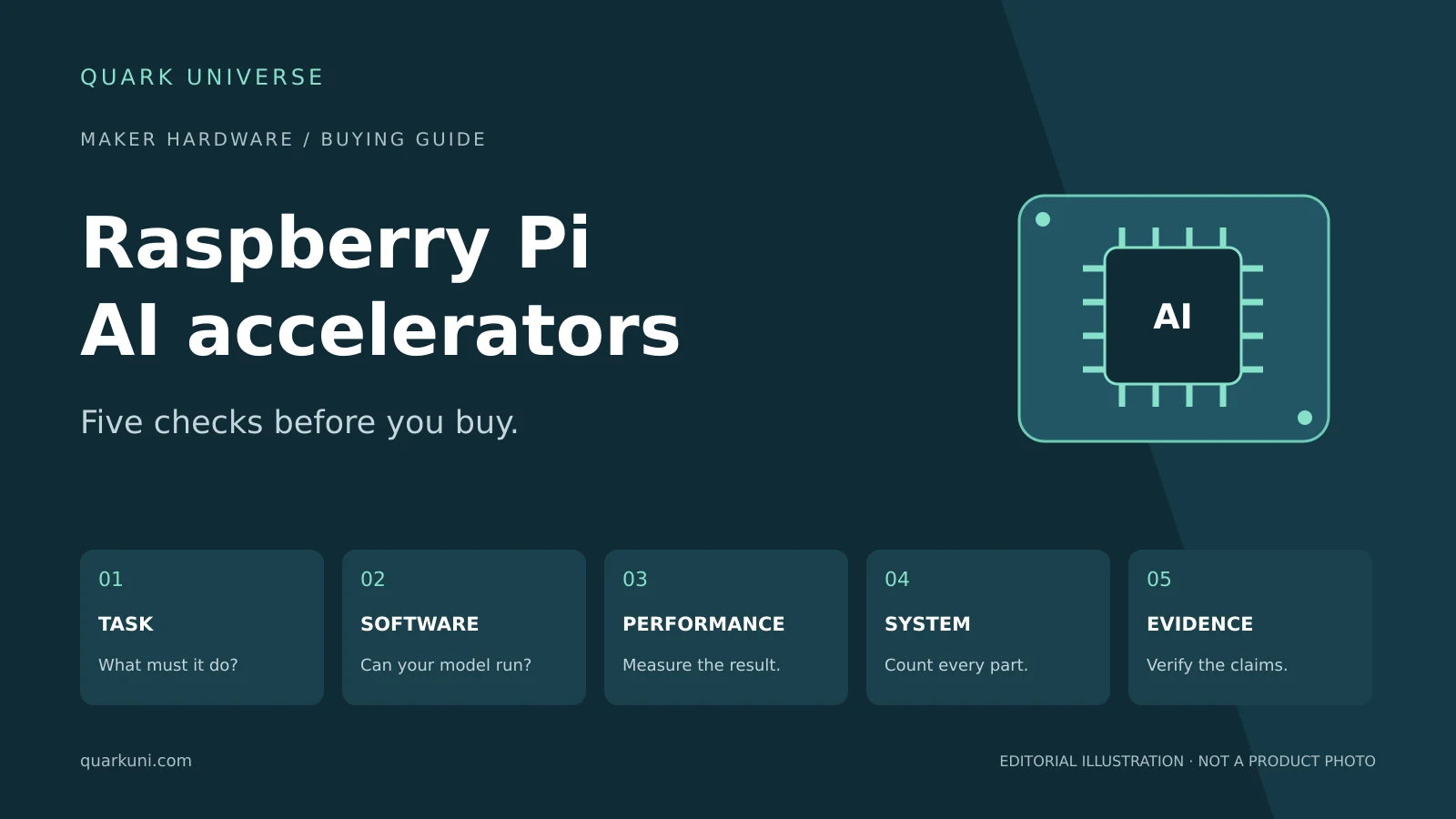
Choosing an AI accelerator for Raspberry Pi 5? Check model support, software, real performance, power and documentation before buying on TOPS alone.
An AI accelerator can make a Raspberry Pi project more capable, but choosing one starts with a practical question: can it run the model your project needs? A larger number on the product page does not answer that question.
An October 5 article hosted by Raspberry Pi brought renewed attention to Sixfab’s DEEPX-based AI HAT+ and its proposed vision and language workloads. It also provides a useful reason to look beyond headline specifications. Here are five checks to make before buying a board for a camera, robot or workshop project.
Editorial note: This is a documentation-based buying guide, not a hands-on review. Sources were checked on October 19, 2026. A disagreement between official pages is identified below.
Write down the result you want: count objects on a conveyor, recognise a gesture, or answer questions about an image. Then identify a suitable model and the software needed to run it. These are different projects, even when all three are described as “AI.”
Raspberry Pi’s own AI HAT documentation distinguishes its vision-focused AI HAT+ from AI HAT+ 2, which adds support for language and vision-language models. Sixfab’s similarly named AI HAT+ is a separate, third-party product using DEEPX silicon; Raspberry Pi’s boards use Hailo accelerators.
For a workshop camera, define what counts as a useful alert before choosing hardware. A model that recognises everyday objects is not automatically trained to identify a failed 3D print. Treat that capability as a separate development and validation task.
Find an example for your exact accelerator, then check its model version, input size, operating system and runtime requirements. A demonstration on another chip in the same family is a starting point, not proof that your intended setup will work.
The DEEPX software suite includes compilation and runtime tools, Python and C++ interfaces, and GStreamer-based pipeline components. Its ModelZoo repository documents model preprocessing, postprocessing, evaluation and compilation, with explicit runtime and compiler prerequisites.
That is the material to inspect before buying. If you plan to use your own model, establish how it will be converted and evaluated on the target hardware. Budget time for integration, and check the licences of the model weights and software separately if your project will become a product.
TOPS means trillions of operations per second. It describes a compute capability, but it does not tell you how quickly a complete camera application will respond.
The precision matters too. Raspberry Pi lists its AI HAT+ variants at 13 or 26 TOPS using INT8, while AI HAT+ 2 is rated at 40 TOPS using INT4. Those figures should not be read as a direct application-speed ranking.
For a useful comparison, ask for the same model, input resolution and accuracy target. Then check whether the timing covers only inference or the full process from camera capture to an actionable result. For an alerting system, missed events and false alarms deserve as much attention as frames per second.
Our suggested acceptance test is simple: try representative footage, including difficult lighting and partially hidden objects, and record both response time and mistakes. Decide what your project can tolerate before spending money on more compute.
An accelerator’s power figure is not the consumption of the entire computer. Sixfab’s product page quotes roughly 3 W for the NPU and approximately 13–15 W for the Pi 5 and HAT together under load. These are vendor figures, not measurements made by Quark Universe.
The Sixfab quickstart lists a Raspberry Pi 5, power supply and storage among the separate requirements. It recommends cooling for the Pi itself in addition to the accelerator’s supplied passive heatsink. It also specifies the supported operating system and advises disconnecting power before assembly.
Build your shopping list around the finished installation: host board, accelerator, storage, power, cooling, camera and enclosure. Check physical clearance and connector access. If you already own some parts, verify compatibility before treating them as costs you can avoid.
During this research, two official sources gave different answers about Sixfab’s language-model support. The October 5 Raspberry Pi-hosted article, contributed by Sixfab and DEEPX, describes small language and vision-language workloads and includes a Qwen3-1.7B benchmark for DX-M1M. However, the Sixfab product FAQ accessed on October 19 says the current DX-M1M and DX-M1ML generation does not support LLMs.
The pages alone do not establish which statement reflects the currently supported customer experience. A software change or stale documentation could explain the discrepancy, but that remains unconfirmed. If local language inference is essential to your purchase, request an exact board revision, software release, downloadable model and reproducible example from the supplier first.
For a first project, favour a documented example close to your intended task and a setup you can maintain. If the existing Pi already meets your response-time and accuracy requirements, measure that baseline before adding hardware.
Before checkout, you should be able to name the model, explain the deployment steps, estimate the complete build cost and describe the test that will prove the system works. Those answers make an accelerator purchase much easier to justify.
Raspberry Pi: AI HAT documentation
Sixfab: AI HAT+ product specifications and FAQ
